
Copy
Take the frame out of Figma
Run SuperFunnel Importer on a frame or a component and paste it into the chat. There is nothing to export, slice or rename first.
Import from Figma
Copy a frame with the SuperFunnel plugin and paste it into the chat. SuperAgent rebuilds it section by section and checks each one against your design.
Driftwell — SiteDrafts
Pages
Layers
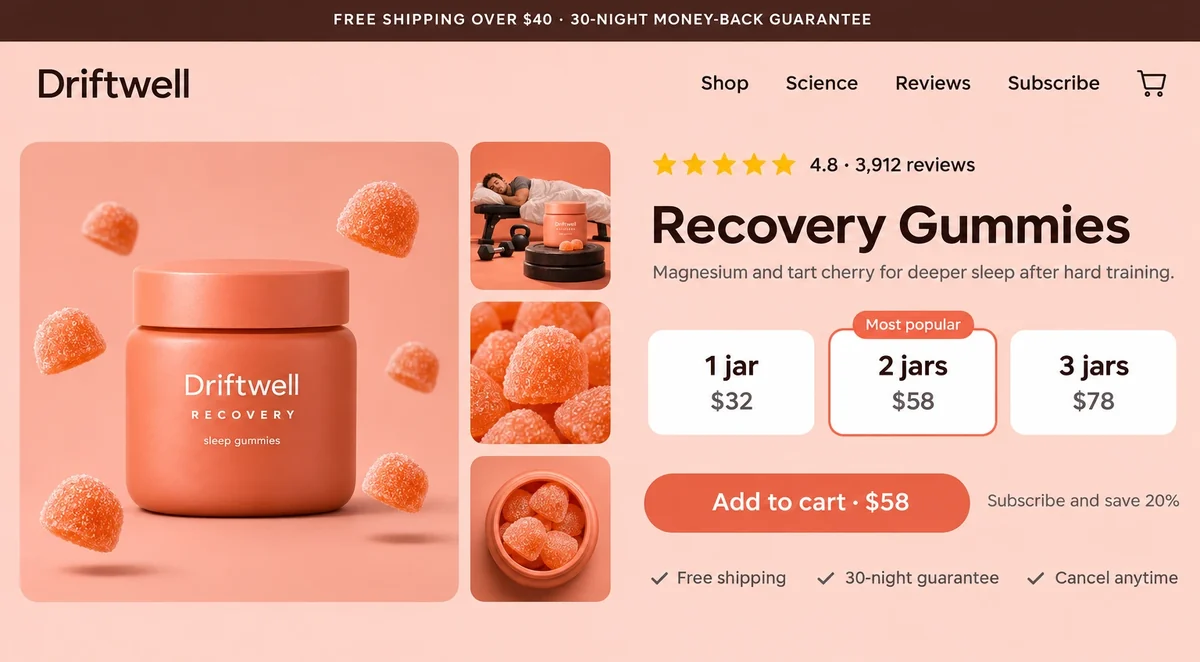 1440 × 794
Extracting layers…
SuperFunnel Importer
DesignPrototype
Position
X 0Y 0
Layout
W 1440H 794
Fill
FFFFFF
Building…Open page
Recovery — Desktop
Build this as our Recovery pageDescribe what you want to build, test, or improve



Connect your tools


 +20
Copy the frame with the SuperFunnel plugin and paste it into the chat. Layers, type and images come across, and every section is checked against the design.
A designer signs off a frame. Someone rebuilds it by hand. It comes back a little different. SuperAgent builds the page from the frame itself.
What comes across
SuperAgent reads the whole layer tree and rebuilds the frame section by section, in the order you drew it.
Direction, gaps, padding and alignment come across. A layer without it lands at its exact position.
Every run of text keeps its family, size, weight, line height and letter spacing, and stays real text.
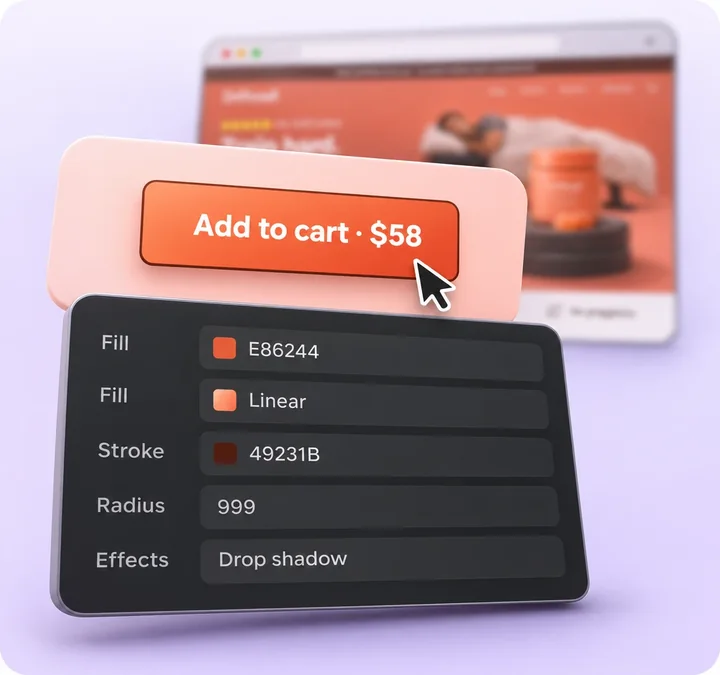
Solid fills, gradients, strokes, corner radii, shadows and blurs.
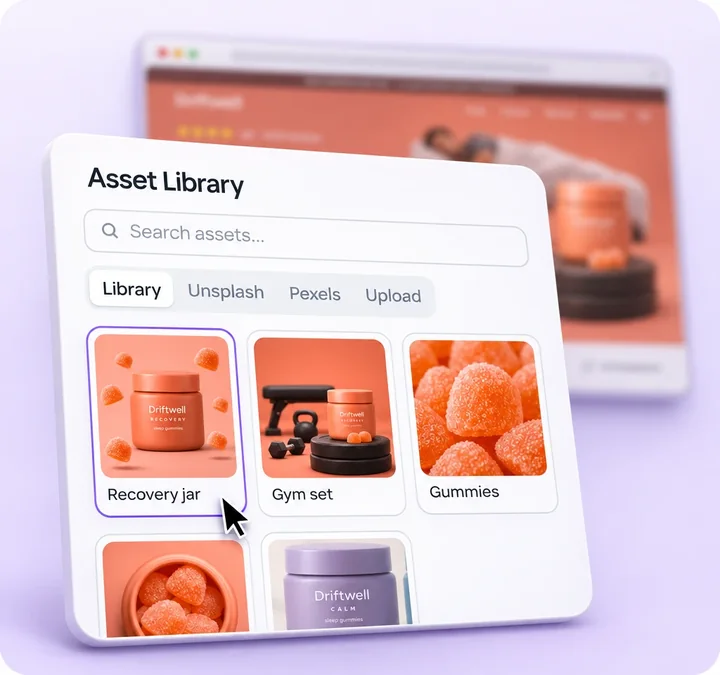
Photos are saved to your Asset Library. An icon or a logo made of vectors arrives as one SVG.
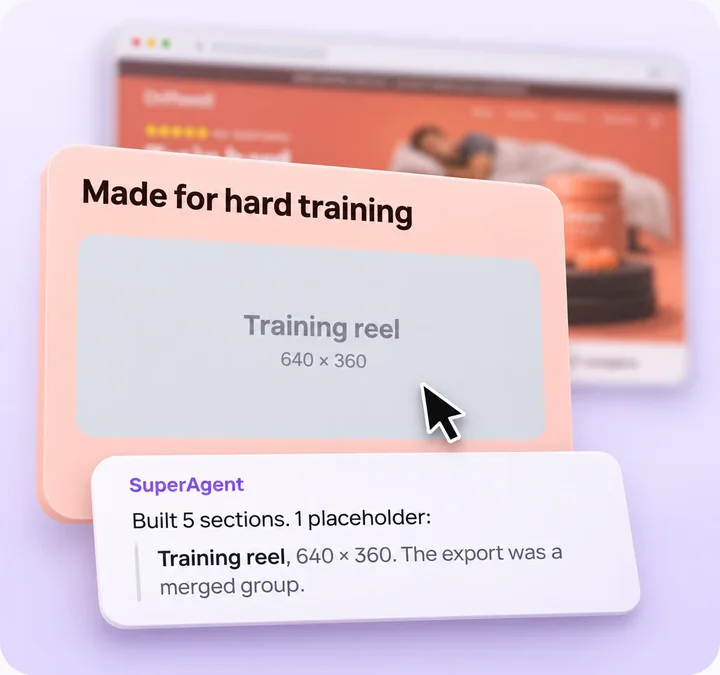
A picture that cannot be used gets a placeholder of the same size, and SuperAgent lists every one.
Tabs, accordions, carousels, forms and menus are built as working controls, without being asked. Try these two.
Add to cart · $32
Two gummies, thirty minutes before bed.
Magnesium glycinate and tart cherry. No melatonin.
Any time, from your account.
How it works
Copy
Run SuperFunnel Importer on a frame or a component and paste it into the chat. There is nothing to export, slice or rename first.
Build
SuperAgent builds each section, compares a picture of it with your design and corrects it up to three times, then checks the whole page on desktop and on mobile.
Change
Turn on Visual edit, pick anything on the page and say what you want. Every change waits for you to accept it.
Publish
Nothing goes live while you work, and publishing lists every change against the live page.
No. Run the SuperFunnel Importer plugin on the frame, copy, and paste what it copied into the chat. The frame arrives with its layers and its images.
No. A layer without it is placed at the exact position it has in the frame. Auto layout tells SuperAgent how a section stretches and stacks, so frames that use it adapt better to other screens.
No. SuperAgent builds the page from one frame and checks it on desktop and on mobile at the end. It does not pair a separate mobile frame with the desktop one.
Yes. Select them together and each one arrives as its own attachment in the chat.
Up to 25,000 layers. Past that, the plugin asks you to select sections or frames one at a time.
Yes. Headings and paragraphs are real text, in the family, size and weight they have in the frame. A dense illustration of an interface may come across as one picture.
Photos are uploaded and saved to your Asset Library. An icon or a logo made only of vectors arrives as one SVG.
It gets a placeholder of the same size, and when SuperAgent finishes it lists every placeholder with the reason.
Yes. Tabs, accordions, carousels, forms and menus are built as working controls, not as pictures of them.
Yes. Ask SuperAgent, or pick an element on the page with Visual edit and say what you want. Every change waits for you to accept it.
See SuperFunnel with your brand, your goals and your next idea.
Book a demoFor teams spending $25K+ a month on paid ads