


Edit
Change it by hand, or say what you want
Move, edit, restyle or delete any section yourself, or pick an element and tell SuperAgent what to change.
Landing pages
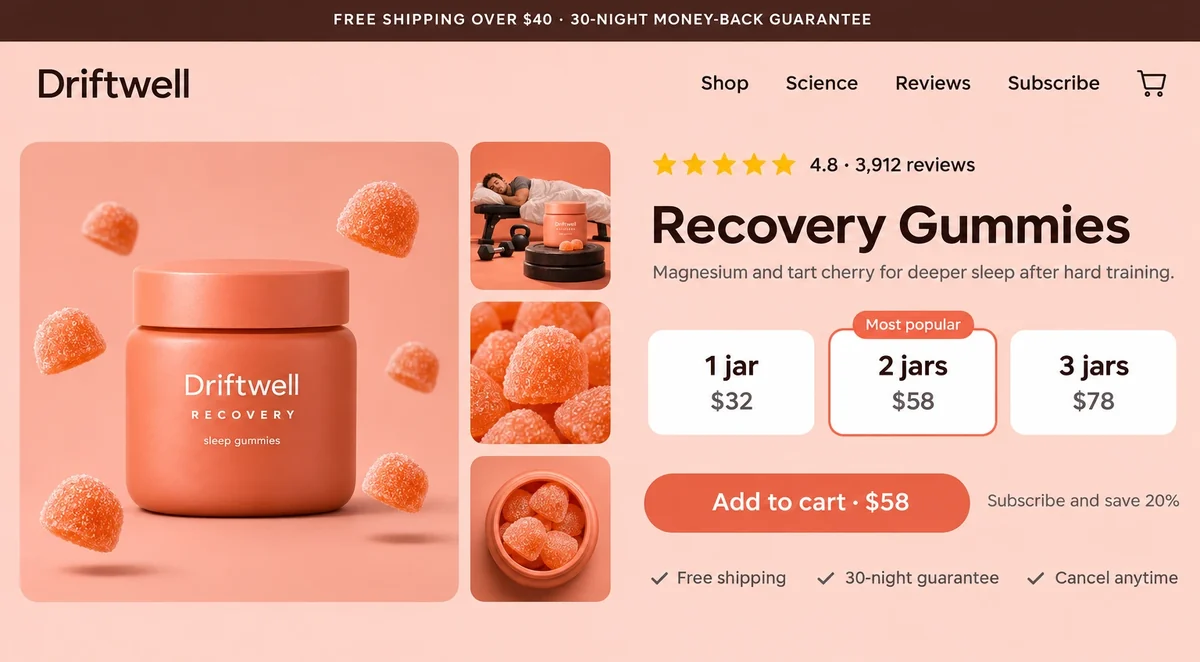
Give SuperAgent an ad, a campaign, a Figma frame or a page you like. It builds the landing page on your brand, section by section, and hands you a draft to publish.
SuperAgent
 Train hard. Recover overnight.
Build the page for this ad
Creating Page…
Queue a message…
Visual edit

An ad goes live in an afternoon. The page it points to waits on a designer, a developer and a review. Here the page is ready before the ad is.
Create
Driftwell — SiteDrafts
Pages
Layers
 1440 × 794
Extracting layers…
SuperFunnel Importer
DesignPrototype
Position
X 0Y 0
Layout
W 1440H 794
Fill
FFFFFF
Building…Open page
Recovery — Desktop
Build this as our Recovery pageDescribe what you want to build, test, or improve

Connect your tools


 +20
Copy the frame with the SuperFunnel plugin and paste it into the chat. Layers, type and images come across, and every section is checked against the design.
What every page gets
Your logo, colours, fonts and written guidelines are set once in Brand Styles. Every page SuperAgent builds starts from them.
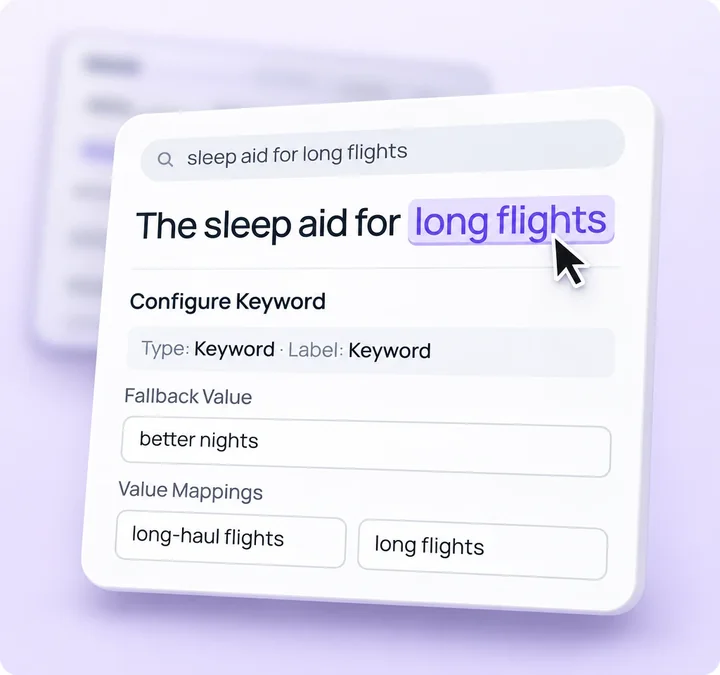
A variable in the text is filled from the keyword, a link parameter, the date or the visitor’s place, with a fallback when there is none.
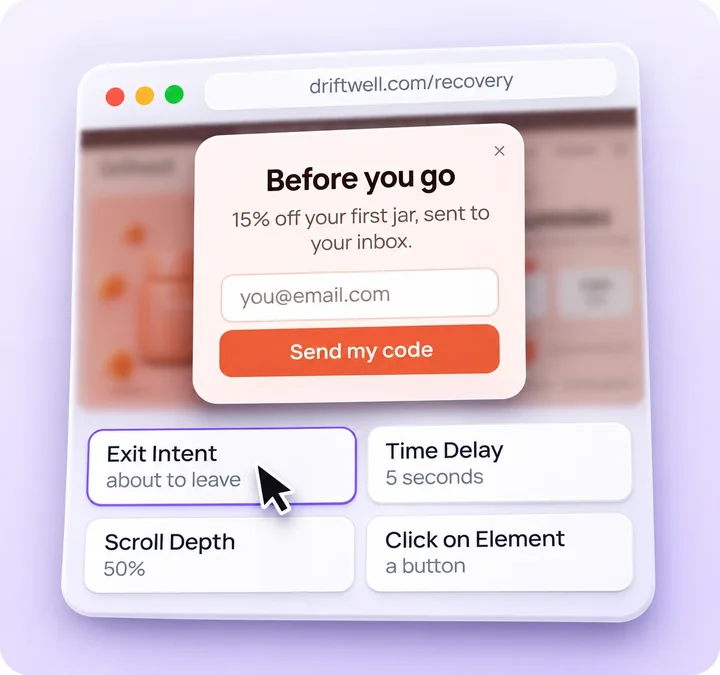
Open one when the visitor is about to leave, after a delay, at a scroll depth, or on a click.
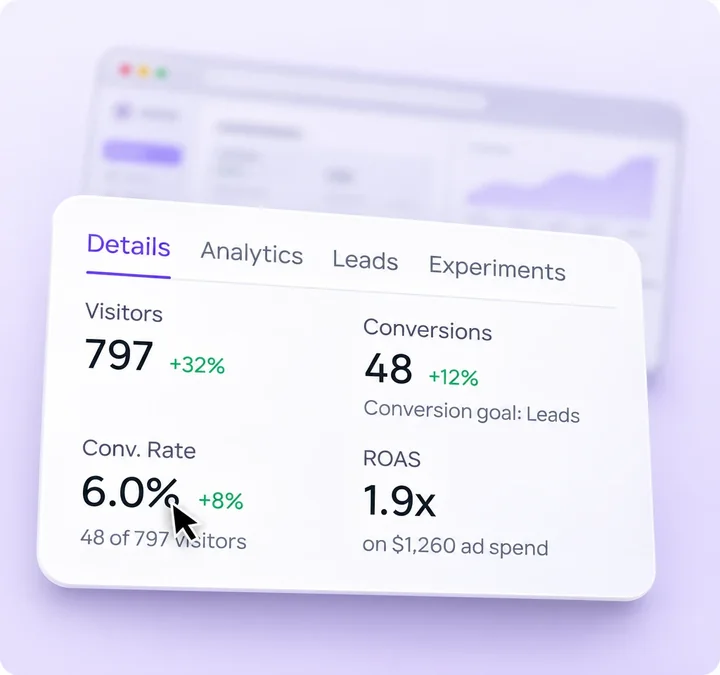
Every page opens on its visitors, its conversions against the goal you set, and what the ad spend returned.
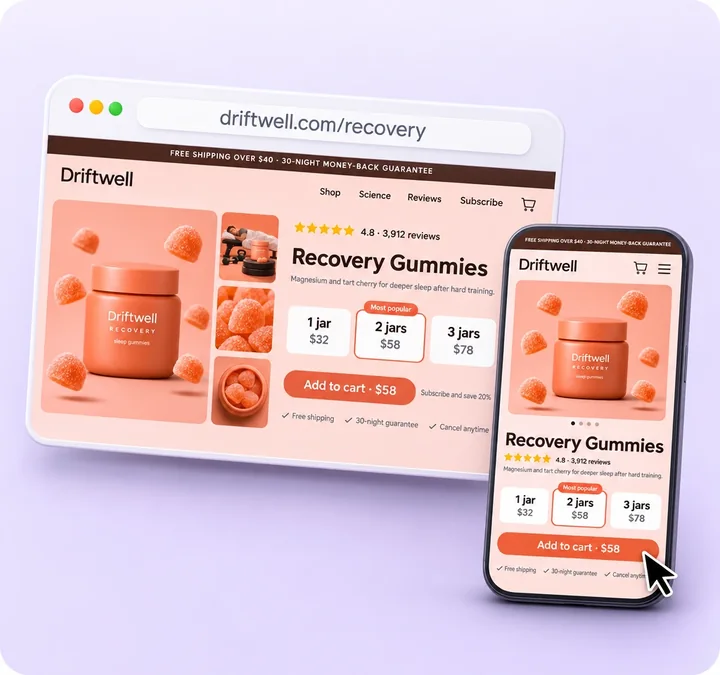
SuperAgent looks at every page on desktop and on mobile, and fixes what is off before you see it.
A shared section, such as the bar at the top of the page, is edited in one place. Publishing it updates every page that uses it.
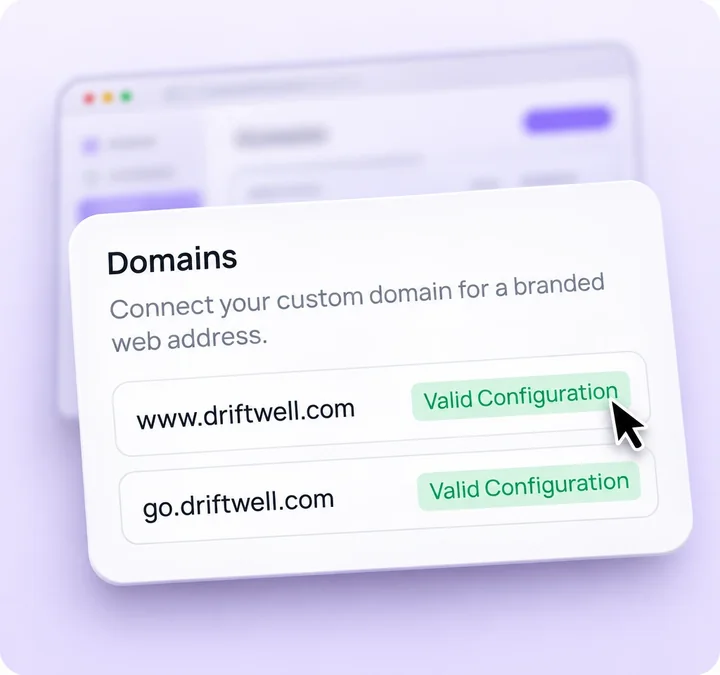
Connect a domain, publish to it, and keep its status in view.
After the build
Edit
Move, edit, restyle or delete any section yourself, or pick an element and tell SuperAgent what to change.
Publish
Publishing lists every change against the live version, and nothing goes live until a person publishes it.
Go back
Each publish is a named version: put an earlier one live again, or start a new page from it.
No. SuperAgent builds the page from your brand and the source you give it. You can still open any page in the editor and change it by hand.
An ad, an ad set or a whole campaign from your ad account, a Figma frame, the address of a page you like, a screenshot, or a written brief.
Google Ads, Meta, TikTok and Microsoft Ads.
Yes. Your logo, colours, fonts, button style and written guidelines are set once in Brand Styles, and every page starts from them.
Yes. Text can hold a variable that is filled from the keyword, a link parameter, the date or the visitor’s country, region or city. You set what shows when there is no value.
Yes. Open it in the editor: every section can be moved, edited, restyled or deleted by hand, and anything can be undone.
Yes. A page can carry a lead form, a multi-step form or a quiz, and popups that open on a delay, at a scroll depth, on exit intent or on a click.
No. A new page is a draft. Publishing shows you what changes first, and it is your call.
On your own domain, connected in the workspace’s settings. Every variant of a page answers at the same address.
See SuperFunnel with your brand, your goals and your next idea.
Book a demoFor teams spending $25K+ a month on paid ads