Affiliate and comparison
Different searches deserve a different first place.
Earn more per click from search-matched lists while SuperAgent finds where visitors leave after launch and drafts fixes for A/B testing, with your approval.
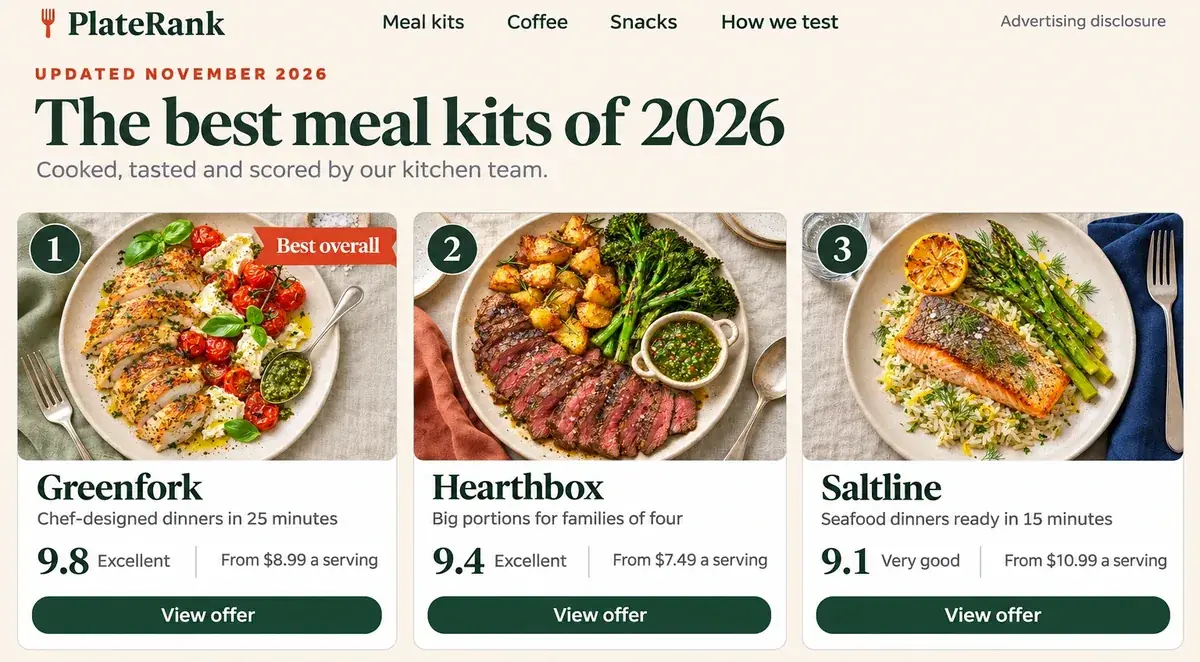
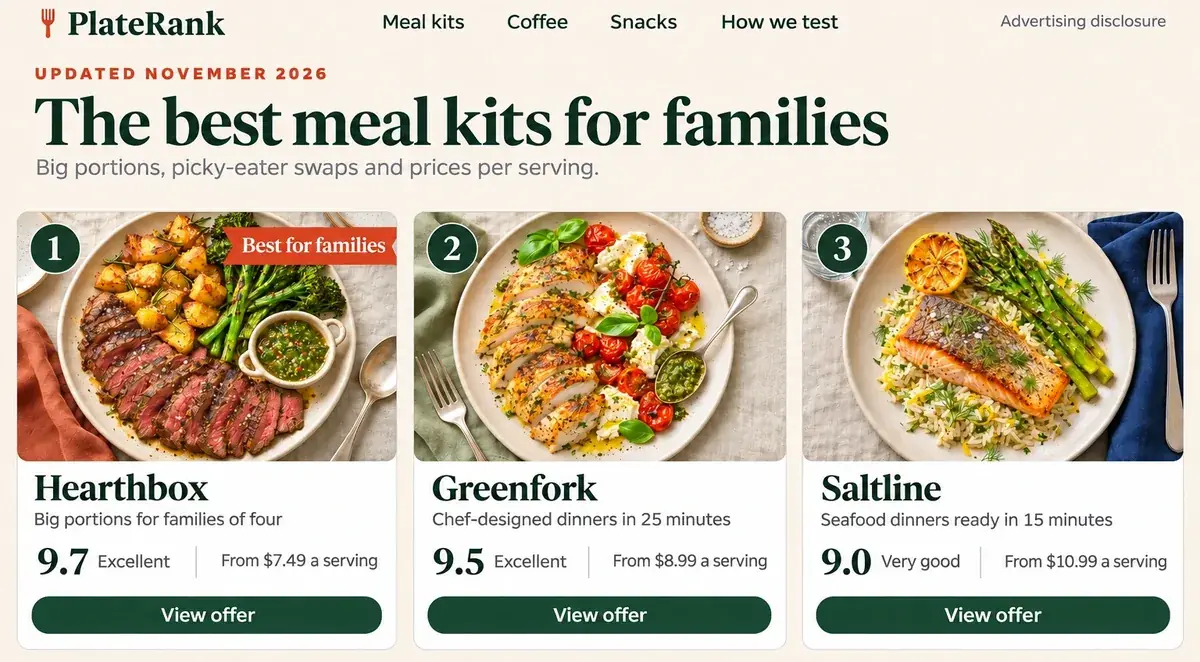
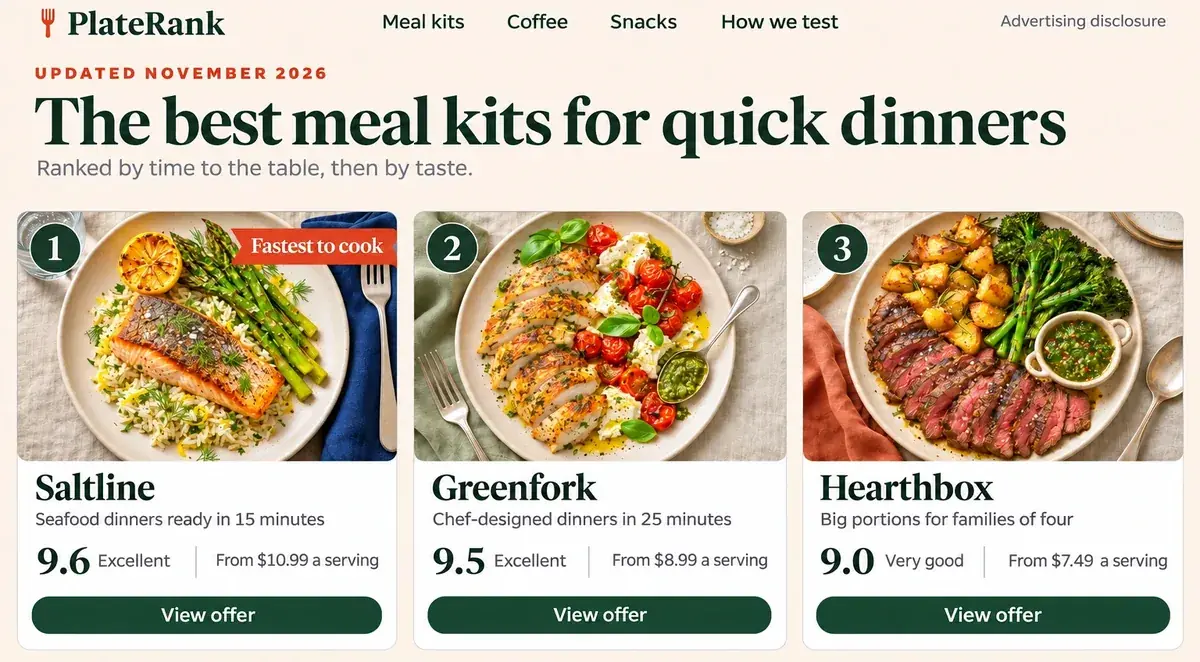



Keyword rules select the list. PlateRank and its brands are illustrative.
“Best for families” and “cheapest” ask for different winners. One fixed ranking gives both searches the same first place. Set the ranking and headline each keyword sees.
On the page
The partner click is your conversion.
Count offer button clicks
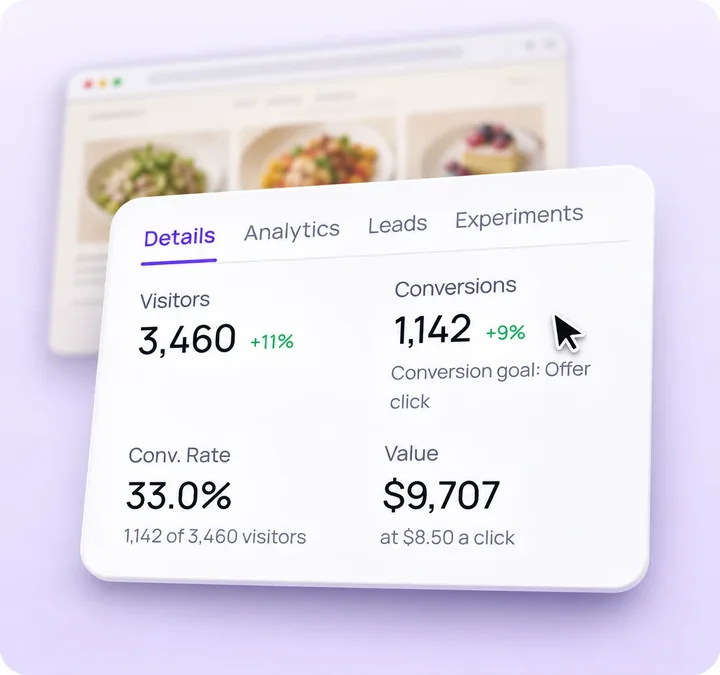
Set an offer button click as the page’s conversion goal and assign it a value.
Keep the date current
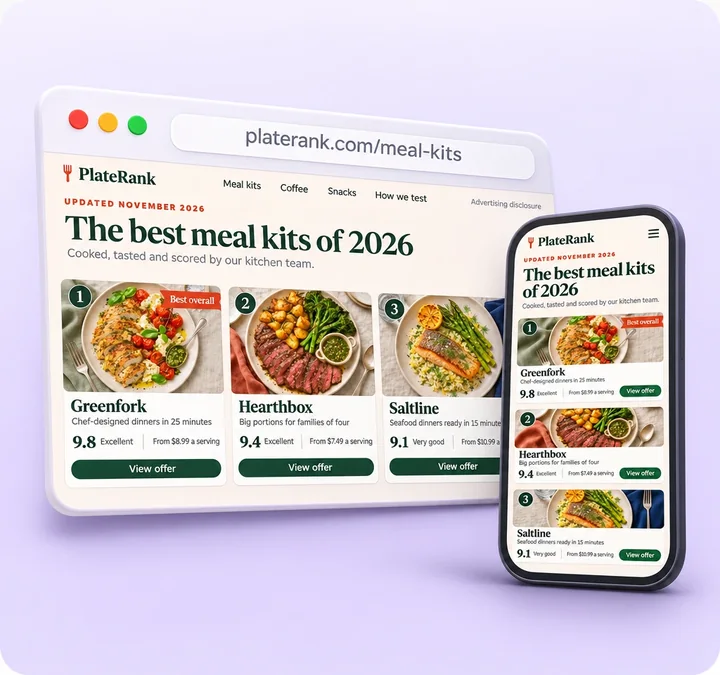
Show “Updated November 2026” with a date variable. The displayed month and year change with the date.
The full list on both screens
Show the same ranked list on desktop and phone. Use a device rule when you want each to open a different variant.

What you get
Control the list behind each click.

Keep your ad links
Add ranked-list variants on the same page URL, so your ads keep their existing links.
Choose the routing rules
Route clicks by keyword, campaign, ad group or device using rules you set by hand or through SuperAgent.
Bring in partner payout data
Report partner payouts as offline conversions through the API.
Cover unmatched searches
Set a default ranked list for traffic that matches none of your variant rules.
Review before anything goes live
SuperAgent’s pages and edits stay in draft until a person reviews and publishes them.
Choose the test winner
Split a list’s traffic between 2 versions, then review results, end the test and pick the winner.
Can I route by the exact search query?
Rules use synced keywords from Google Ads and Microsoft Ads, not every individual query a search engine matches to them. You can also route by campaign, ad group and device. A default list catches traffic that matches no rule.
Do my ads need a new URL for each list?
No. Ranked-list variants share one page URL, so your ads can keep their links. Rules select the variant on the server before the page is sent, with no redirect or flicker.
Can SuperAgent change the order of the partners?
Yes. Ask SuperAgent to draft a variant with a different order and headline. Every change is listed for review before you accept it. You publish the variant and set the rules that send clicks to it.
How do I measure the click out to a partner?
Set the offer button click as the page’s conversion goal and assign it a value. The page reports visitors, conversions, conversion rate and value. Connect your search ad accounts to see ROAS using the connected ad spend.
Can I report the actual partner payout later?
Yes. Send partner payout data as offline conversions through the API. You supply that data from your own system. SuperFunnel records it for page measurement but does not send those conversions to Google Ads or Microsoft Ads.
Can I test which kit should rank first?
Yes. Split a page’s traffic, or one variant’s traffic, between 2 versions. SuperAgent can draft the second version. Compare visitors, conversions, conversion rate, uplift and confidence, then end the test and choose the winner.
Can the updated date stay current automatically?
Yes. A date variable can display “Updated November 2026” and change with the date. It updates the label only. Offer details and rankings change when a person publishes edits.
Bring a campaign. Meet SuperAgent.
See SuperFunnel with your brand, your goals and your next idea.
Book a demoFor teams spending $25K+ a month on paid ads