

Comment
Leave the note where the problem is
Pin a note to the exact element and reply under it. When the thread settles, one button hands it to SuperAgent.
For teams
Design, media, content and legal work on the same landing page. Everyone sees who is there and what changed, and any earlier version is one click away.
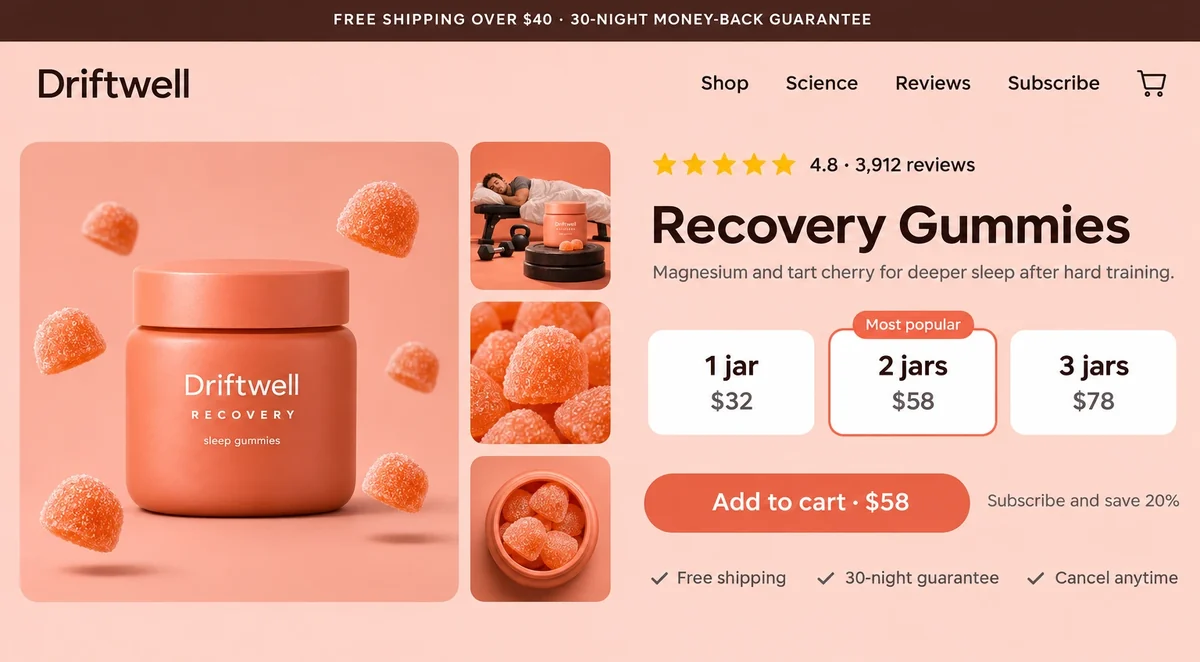
Why Recovery
SuperAgent
Hi Maya, how can I help with this page?
Suggested for this pageAsk anything…
Visual edit


A landing page passes through four pairs of hands before it goes live, and waits in between. Here they are all on it at once.
Who does what
Bring a frame in from Figma, or open a page SuperAgent built and go over it: point at what is off, say what to change, and see it change on the page. Brand styles keep every new page on the same look.
Working together
Comment
Pin a note to the exact element and reply under it. When the thread settles, one button hands it to SuperAgent.
Review
Every change SuperAgent made is listed and marked on the page. Accept or discard each one on its own.
Roll back
Each publish is a named version. Put an earlier one live again, or start a new page from it.
For larger companies
Three levels, set for each chat and for each scheduled agent. By default it asks before anything risky.
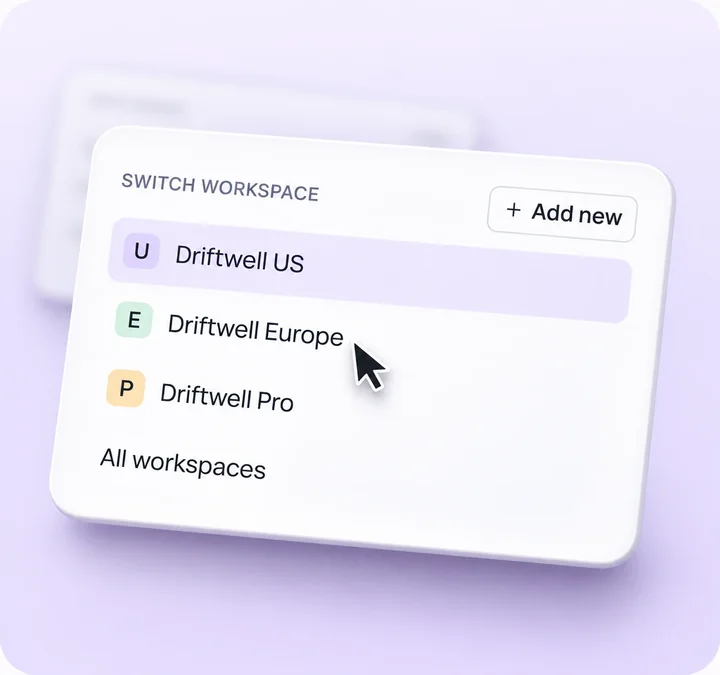
Pages, leads, domains, brand and integrations stay inside their workspace. One login moves between them.
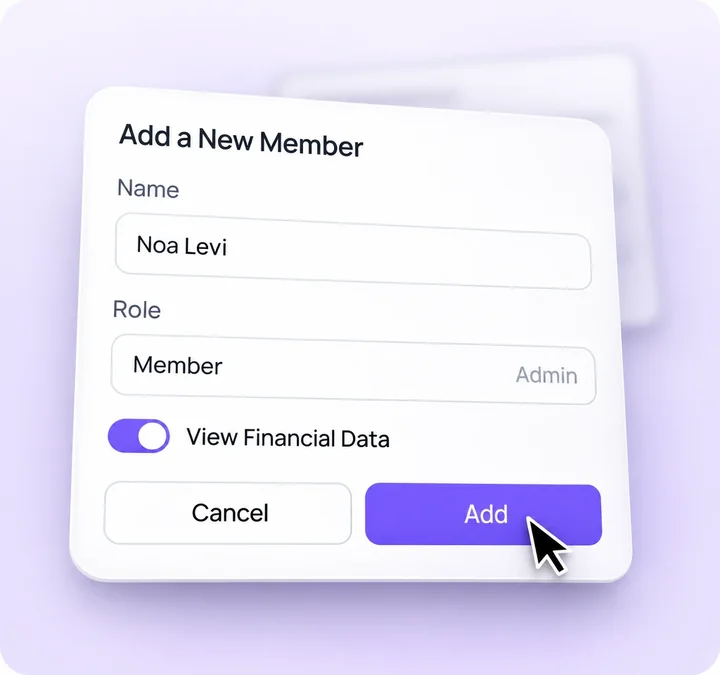
Admins manage people, keys and integrations. Spend and ROAS show only to those you allow.
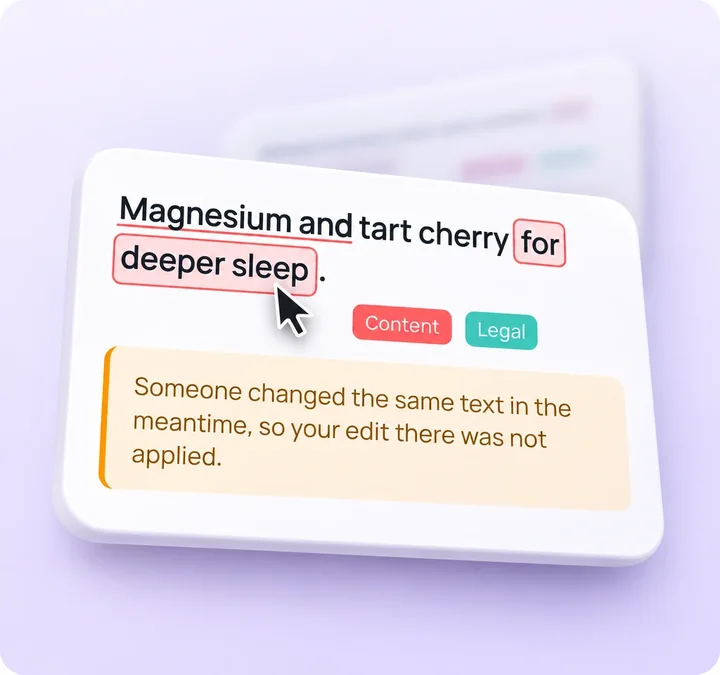
If two edits land on the same text, the second one is held back and its author is told. Nothing is overwritten quietly.
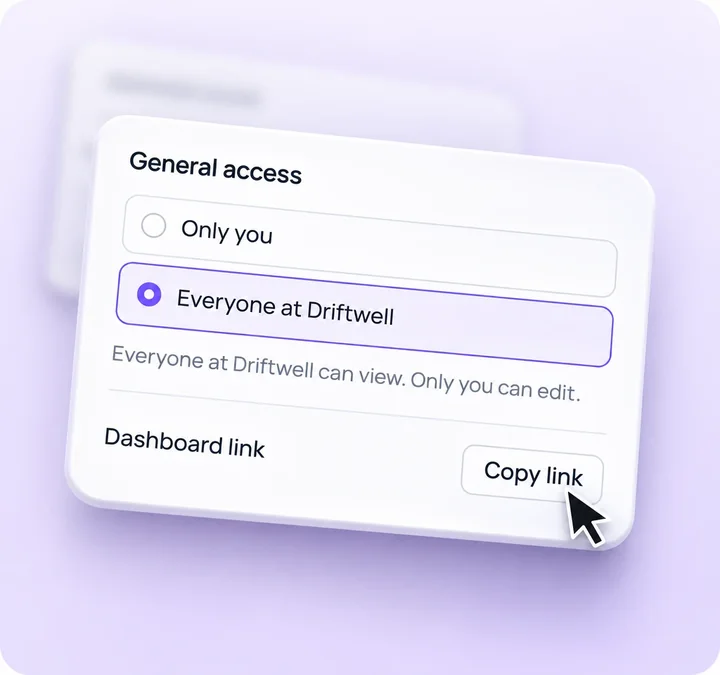
Keep a report to yourself or open it to the whole workspace, to view and not to edit.
Yes. Everyone on the page sees the others’ pointers, with their names, and who is there shows in the editor’s bar. If two people change the same text, the later edit to that text is held back and its author is told.
Admin and Member. Admins add and remove people, manage API keys and integrations, and set which connectors SuperAgent may use. A separate switch on each member decides whether they see financial data such as spend and ROAS.
Yes. Each workspace has its own pages, quizzes, leads, domains, brand, AI rules and integrations, and one person can belong to several.
Yes. Every publish is a version. From the versions history you can put an earlier version live again, revert the page to it, or create a new page from it.
Not by default. A page changes for visitors only when someone publishes it, and the publish step lists every change against the live version. SuperAgent asks before risky actions unless you give it more room.
It writes with your brand guidelines and your content guidelines in front of it. You set them once, in the workspace’s settings.
In the content rules, as one disclaimer text with numbered references, next to the lists of words to use and words to avoid.
Not yet. It is on the way. Today the team works in the same page with live pointers, reviews SuperAgent’s changes one by one, and talks to SuperAgent in the page’s chat or in Slack.
See SuperFunnel with your brand, your goals and your next idea.
Book a demoFor teams spending $25K+ a month on paid ads








Default
DMCLSuggestions
Why Recovery
Exit comment mode1 open commentsApply all with SuperAgent