Lead generation
Give sales the answers behind each lead.
Reduce cost per lead with quizzes matched to ads, then let SuperAgent review step drop-offs after launch and draft a second version to test. You approve each change.
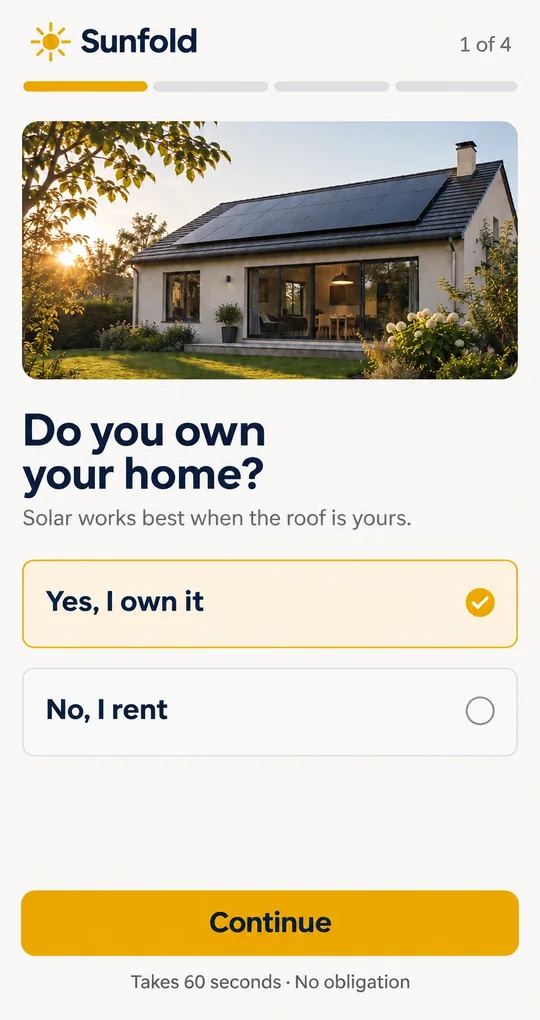
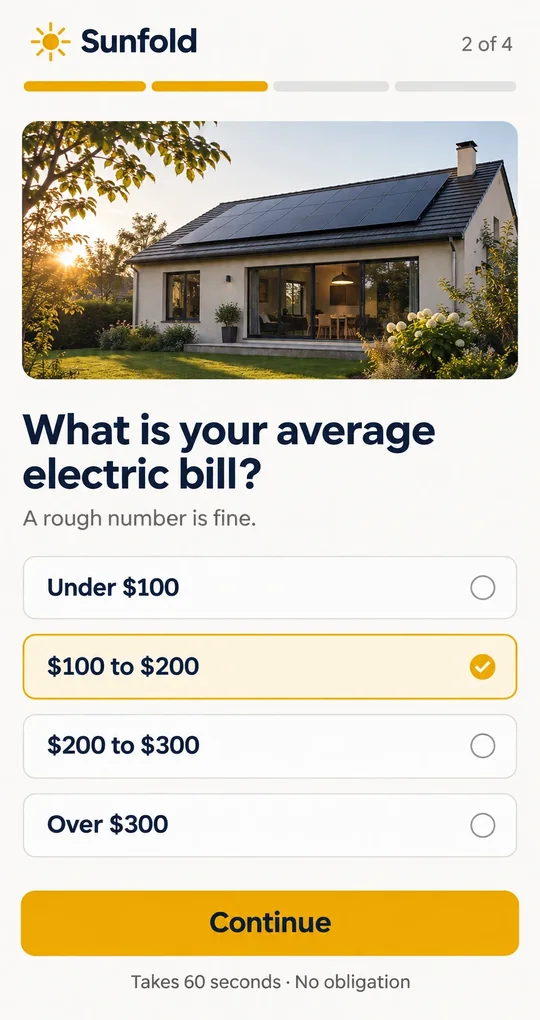
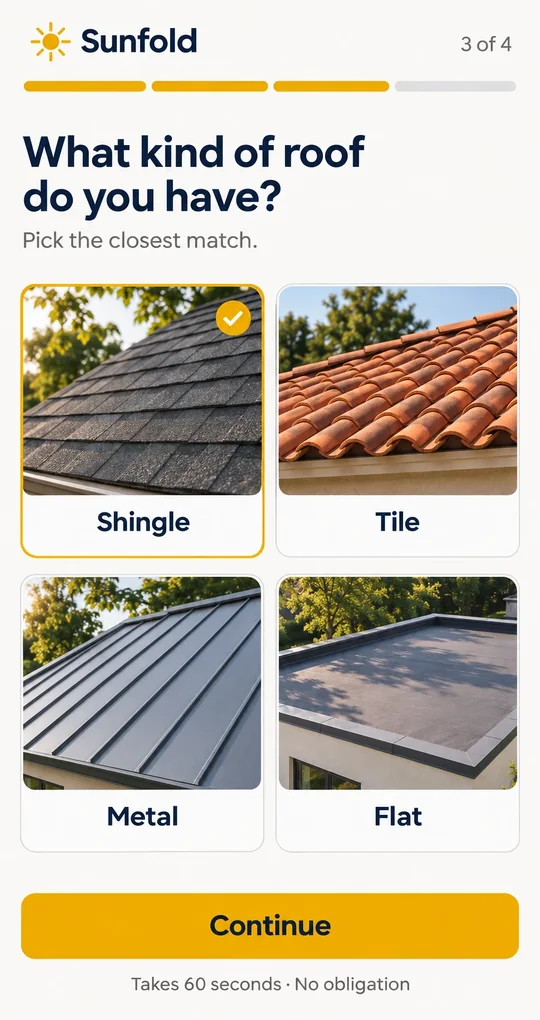
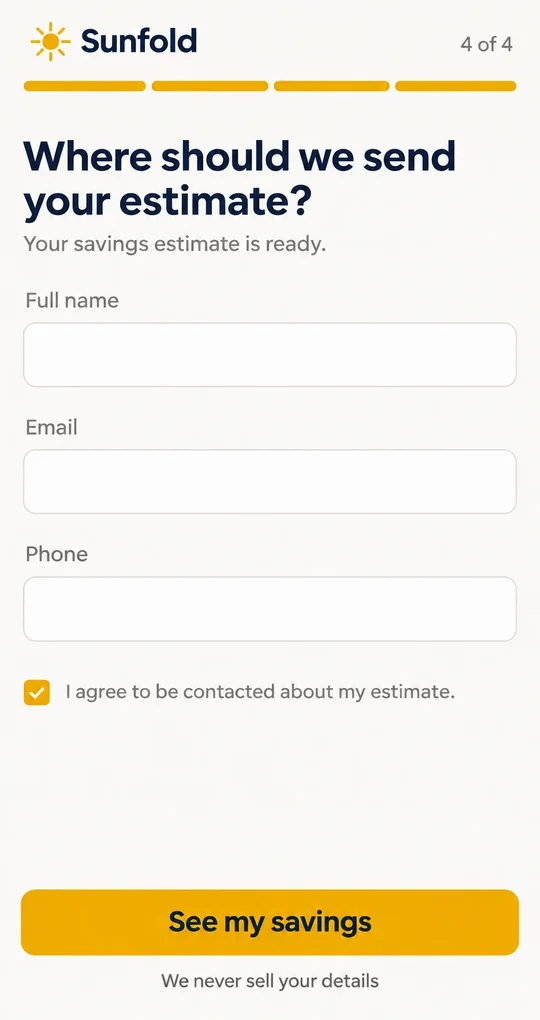
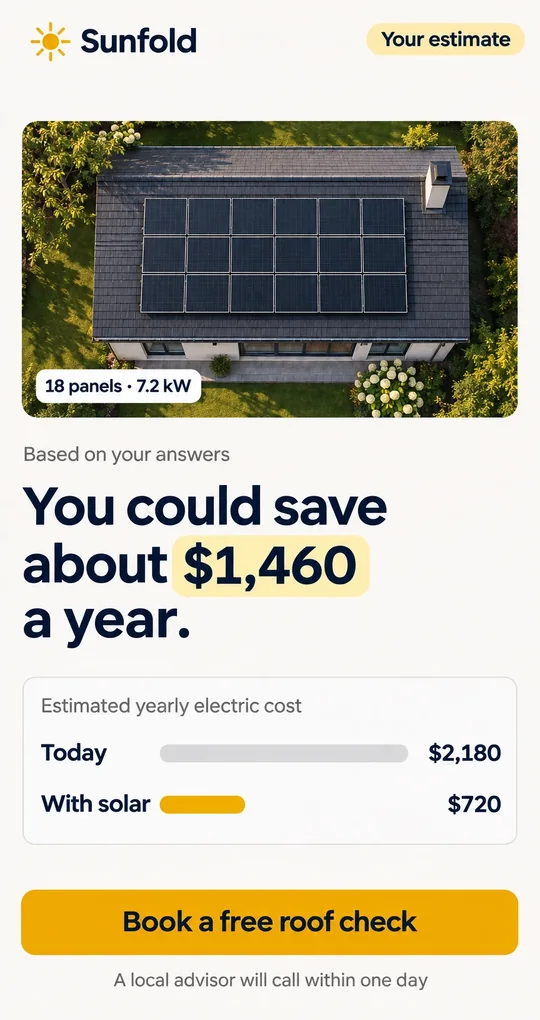
Step-by-Step Analysis Solar savings quiz
StepViewsDrop-off
- One question per screenCollect ownership, bill and roof details before asking for contact details.
- See where people stopCompare how many people reach each step to find the drop-off.
- Keep the answers enteredUnfinished forms and quizzes save entered details as partial leads.
From home ownership to an estimate, with each quiz step counted. Sunfold is an illustrative demo brand.
Form or quiz
Your form asks for everything before giving people a reason.
A cold click lands on a list of demands before there’s a reason to answer. Turn the same offer into a quiz, with one question per screen.
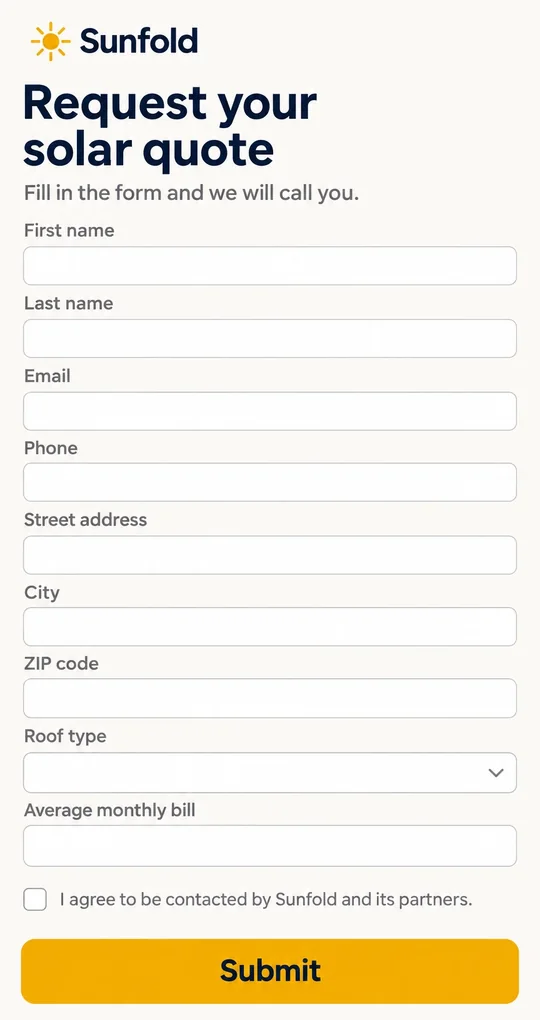
- ×Abandoned forms add spend without adding leads.
- ×Sales never sees the details left in unfinished forms.
- ×The ad platform learns from the few who finish.
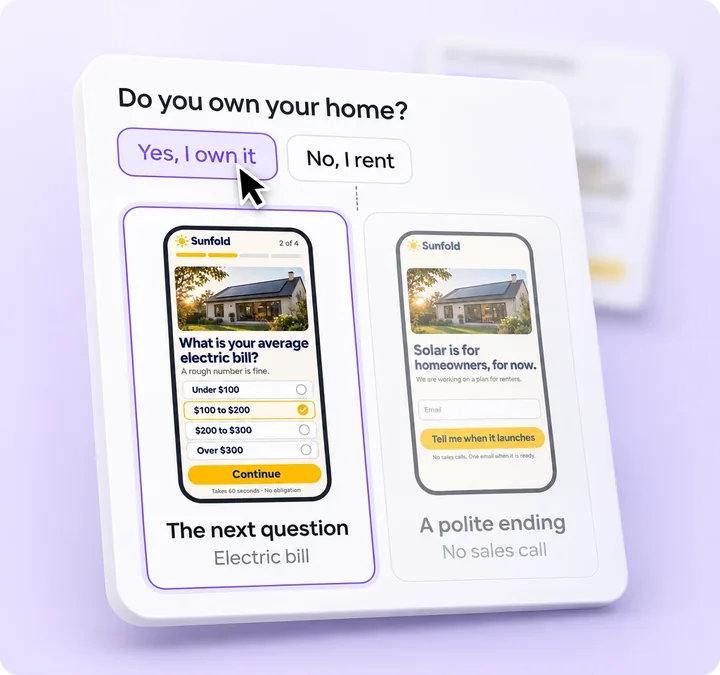
- Ask one question per screen. Branch based on answers.
- Keep unfinished answers as partial leads.
- See how many people reach each step.
Lead details
Keep the answers with the lead.
Let answers choose the next question
An ownership answer chooses the next step. Homeowners get roof questions, while renters get a polite ending instead of a sales enquiry.
See the source beside the answers
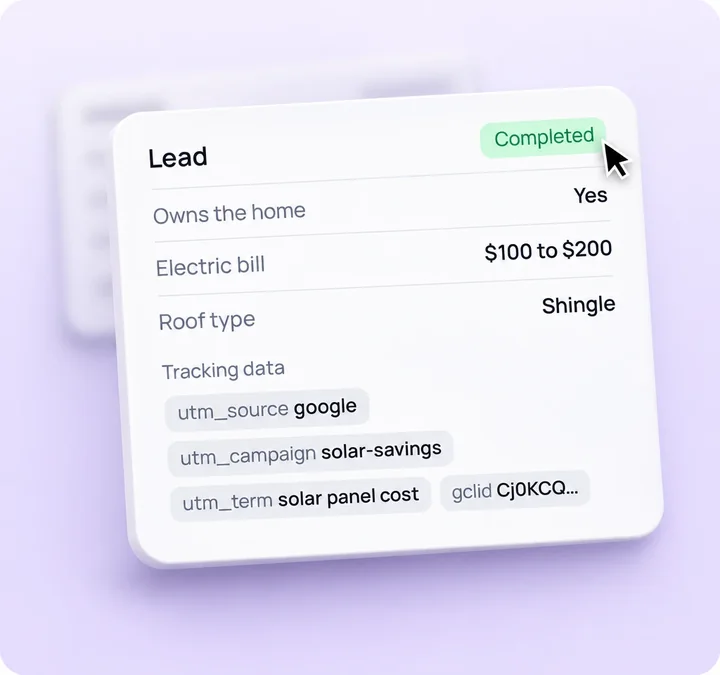
Each lead keeps every answer, UTM parameters and ad click IDs. Pass the ad name and search keyword in UTM parameters.
Keep leads that stop part-way
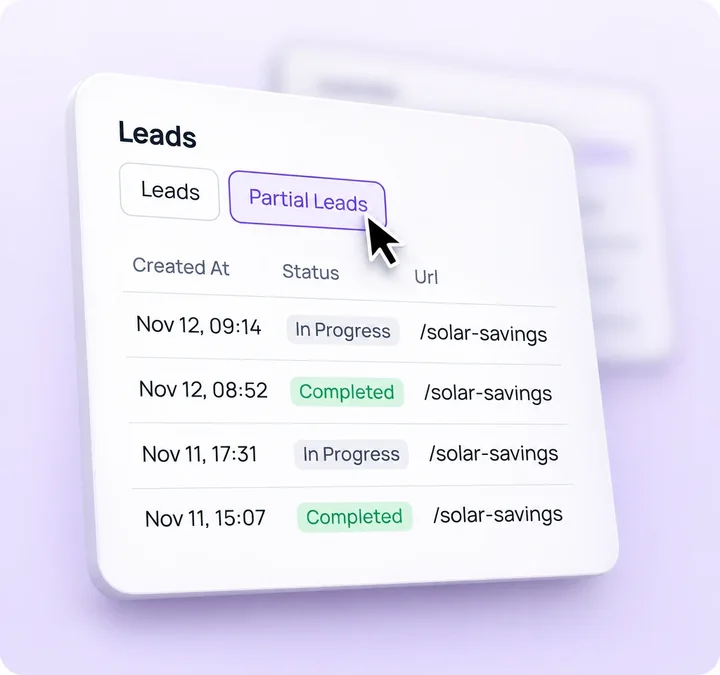
If someone stops, their entered details stay saved as an “In Progress” partial lead, separate from completed leads.
What you get
Set up the form and what follows.
Send leads to sales
Send leads to HubSpot, Zapier or any webhook, or export them as CSV or JSON.
Spam protection and consent
Limit spam with reCAPTCHA and add a consent field to your form or quiz.
Schedule a lead quality review
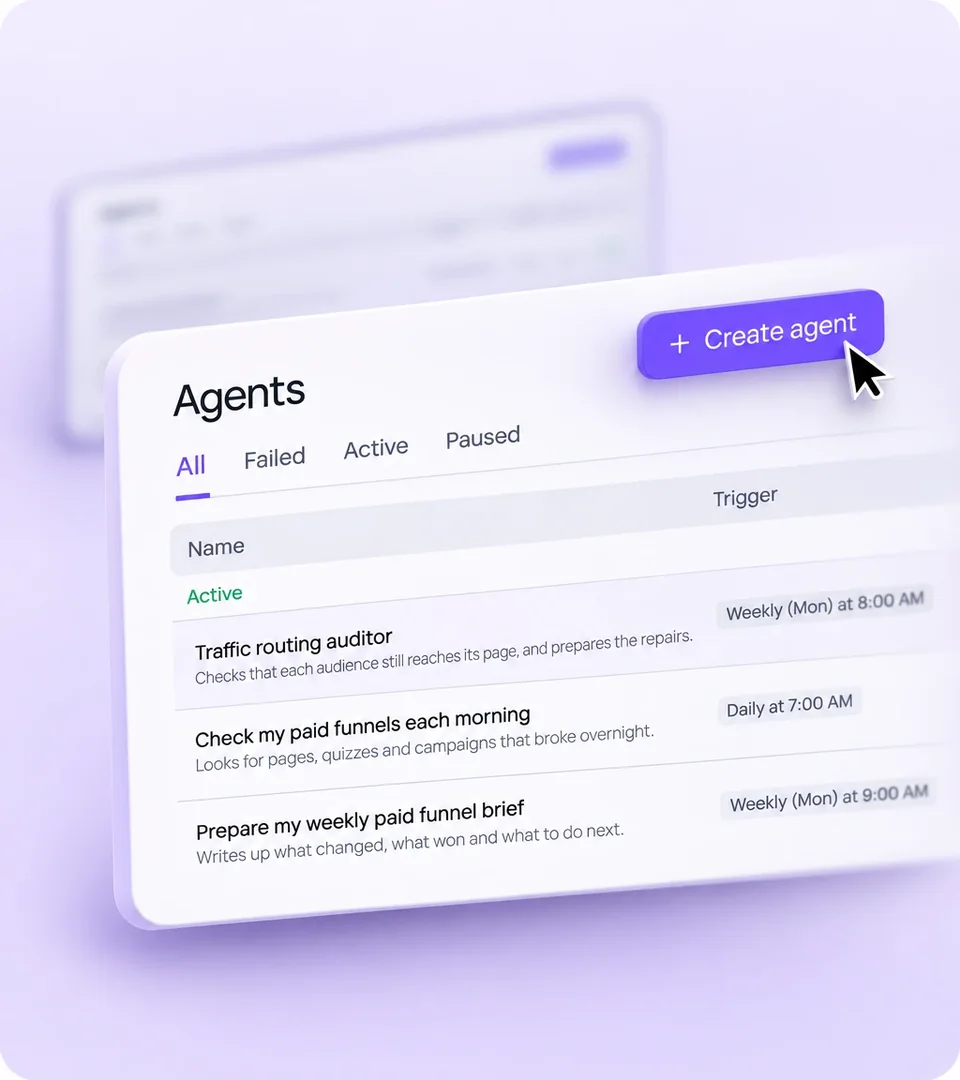
Schedule the “Review new lead quality” agent template to report on leads and prepare changes for your approval.
No built-in lead scoring
There is no built-in lead scoring or lead enrichment.
Test the next version
Split page traffic between versions and compare conversions, uplift and confidence before you pick a winner.
Publish on your domain
Publish on your own domain, with pages built on your logo, colours, fonts and brand guidelines.
Can we change the questions based on earlier answers?
Yes. Use branching to send homeowners to bill and roof questions and renters to a separate ending. Calculated results and a result screen for each outcome let you show an estimate based on the answers.
What happens if someone leaves before submitting?
What they entered is saved as a partial lead marked “In Progress”, separate from completed leads. If they leave before entering contact details, the partial lead will not contain those details.
Can I see which ad and keyword produced a lead?
Each lead carries its page, UTM parameters and ad click IDs. Pass the ad name and, for search traffic, the keyword through UTM parameters so they stay with the answers.
How do I measure the funnel beyond lead count?
The step view shows how many people reach each quiz question. Page reporting shows visitors, conversions and conversion rate against your chosen goal. Connected Google Ads and Meta accounts also bring in daily clicks, cost and conversions.
Can I send answers straight to our CRM?
Leads and answers go to HubSpot contacts, Zapier or any webhook. You can also export CSV or JSON. Salesforce is not supported yet.
Can SuperAgent decide which leads sales should call?
There is no built-in lead scoring or lead enrichment. Collect the details sales needs through quiz answers, and schedule the “Review new lead quality” agent to report and prepare changes. A person approves its changes.
Who controls the quiz before it goes live?
SuperAgent builds and edits the quiz from your request and brand guidelines. Its work stays in draft until a person publishes. You can edit by hand, review each proposed change and restore a published version.
Bring a campaign. Meet SuperAgent.
See SuperFunnel with your brand, your goals and your next idea.
Book a demoFor teams spending $25K+ a month on paid ads