Approve
The draft is yours to approve
Open the account draft in the builder, change it by hand or by asking SuperAgent, and publish when it is ready.
Account-based marketing
Book more meetings with account-specific pages. Your automation requests drafts through MCP, then SuperAgent reviews post-launch exits and drafts A/B test fixes, with your approval.

 Draft
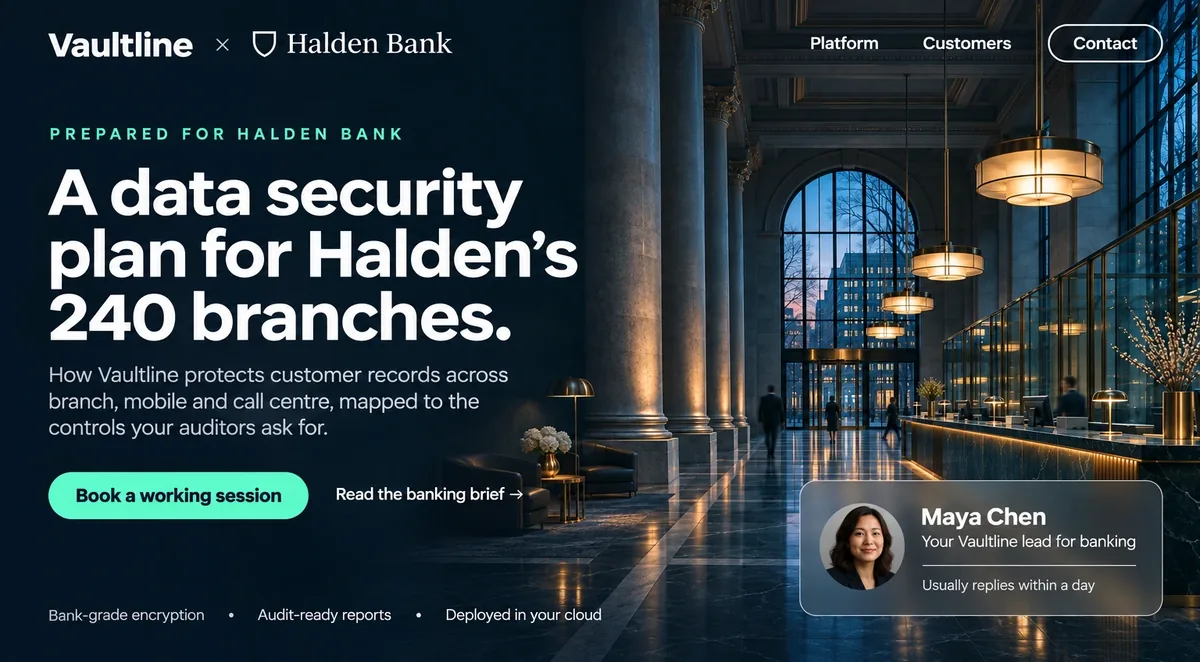
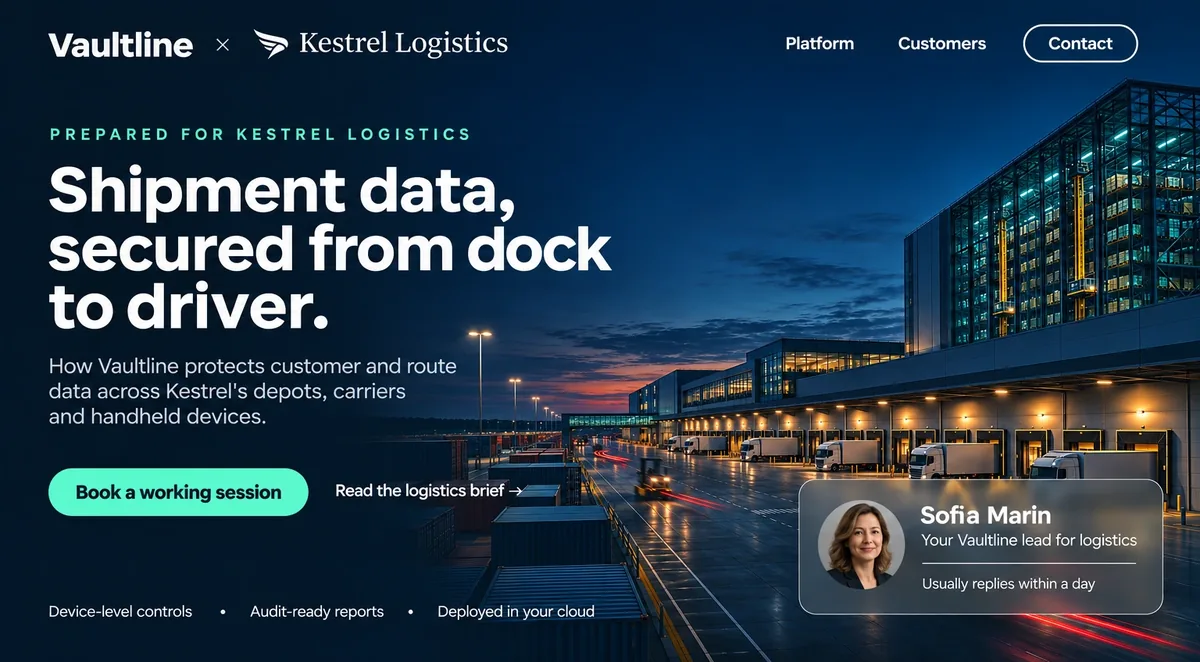
 Halden Bank · Target accountHalden Bank draft link in a note on the HubSpot deal.
Instant runs live in your assistant or automation tool, which calls SuperFunnel through MCP. Vaultline and its accounts are illustrative.
The deal record, account research and call notes already exist. Turning them into an account page should not need another brief. Your agent brings the context and SuperAgent drafts the page.
The account list
Halden Bank, Orrin Health and Kestrel Logistics each get a Vaultline page for enterprise data security. Every account variant has its own direct link.

Review and measure
Approve
Open the account draft in the builder, change it by hand or by asking SuperAgent, and publish when it is ready.
Measure
Visitors, conversions and conversion rate for each account variant, and every form lead carries the account page it came from.
Your existing stack
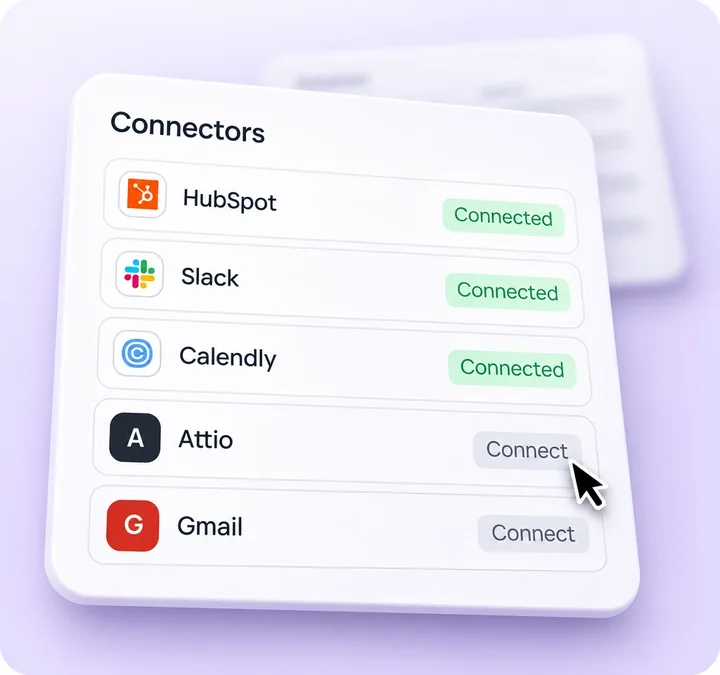
Connect HubSpot, Attio, Calendly, Gmail and Slack so SuperAgent can read from and act in the tools your team uses.
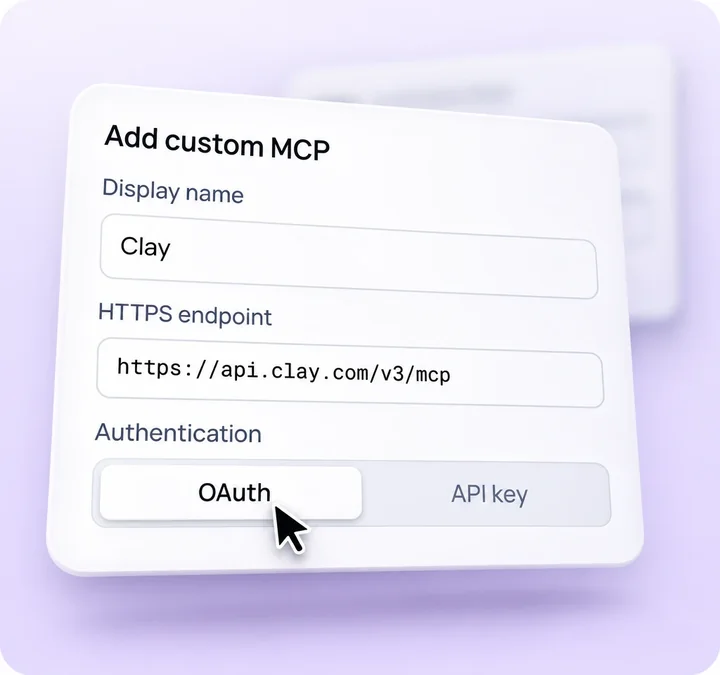
Add Clay or another MCP server by its HTTPS address. Give it a display name and connect with OAuth or an API key.
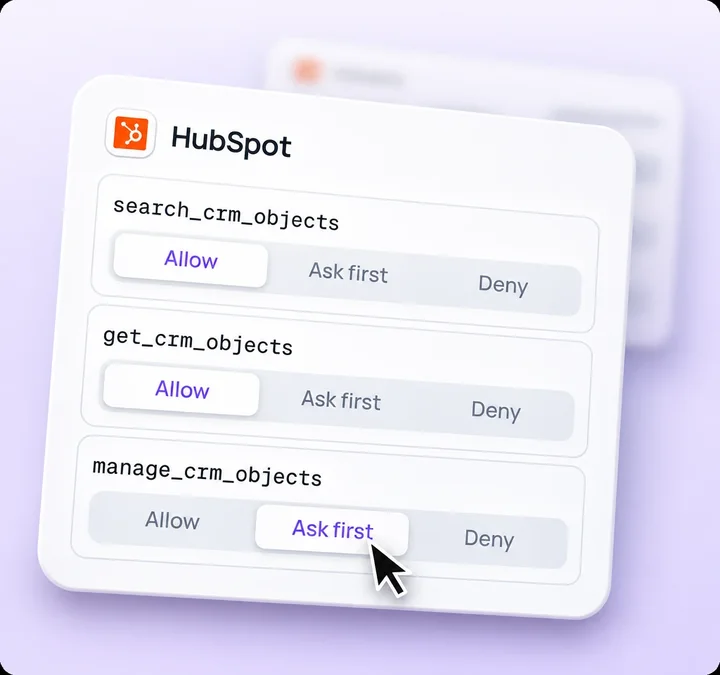
Choose Allow, Ask first or Deny for every connector tool. Decide what SuperAgent can do and what needs your approval.
What you get
Instant triggers run in your assistant or automation tool, while SuperFunnel agents start on a schedule or by hand.
SuperFunnel does not identify visitors’ companies, so account variants open through direct links or campaign and ad rules.
SuperAgent drafts the page, and a person reviews and publishes it.
Drafts use your workspace’s Brand Styles for logo, colours and fonts, plus your brand guidelines.
Visitors who match no routing rule see your default variant.
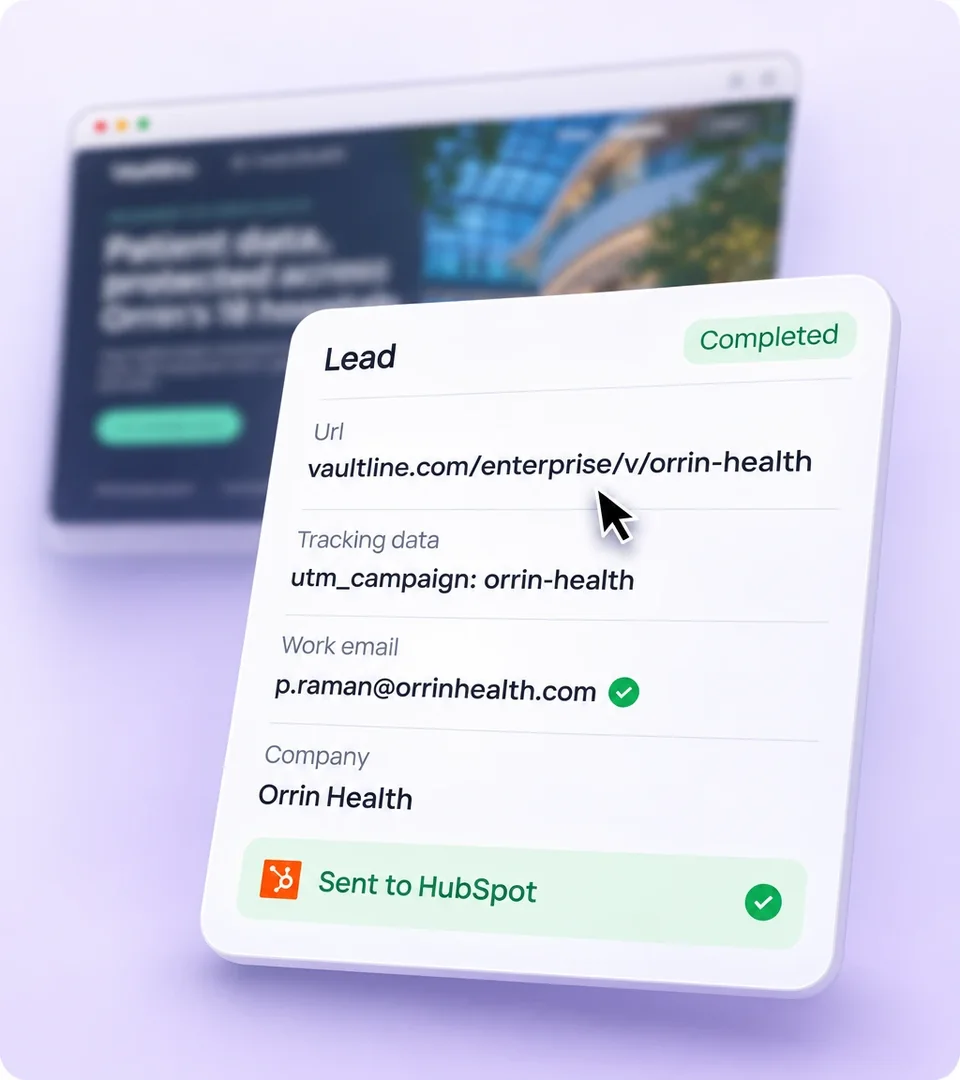
Form leads include the account page in their record, alongside answers, UTM parameters and ad click IDs.
Instant triggers run in your assistant or automation tool, which calls SuperFunnel through MCP. SuperFunnel’s own agents start on a schedule or by hand, not from outside events. For the scheduled version, use HubSpot from the catalog and add Clay as a custom MCP connector.
No, SuperFunnel does not identify visitors’ companies or route by company name. Use each account variant’s direct link, or campaign and ad rules targeting the account. The default variant catches clicks that match no rule.
It reads HubSpot, Calendly or the Clay row that started the run, and researches the account through Clay’s MCP server. It calls SuperFunnel’s start_agent_run, checks progress with get_agent_run and captures the draft with screenshot_page. Your assistant puts the draft link in a HubSpot note or task, or a Slack message.
No, one page can hold many account variants. Each has its own direct link, such as yoursite.com/demo/v/halden-bank, and its own visitors and conversions.
A person reviews the draft in the builder, edits it by hand or asks SuperAgent for changes, then publishes it. SuperAgent lists changes for review before they are accepted. Each publish creates a version that can be restored.
Form leads can be sent to HubSpot as contacts. Each lead carries its answers, account page, UTM parameters and ad click IDs. SuperFunnel does not enrich leads or score them, and it does not identify the visitor’s company.
Yes, use an account variant’s direct link as the destination. LinkedIn Ads cannot connect to SuperFunnel yet, so its campaigns and ads are not available in routing pickers. A direct link opens that variant without identifying the visitor’s company.
See SuperFunnel with your brand, your goals and your next idea.
Book a demoFor teams spending $25K+ a month on paid ads